

Introducing Labs
Try experimental features from Zeabur
 Matthew
We're excited to introduce Labs, a new section in your account settings where you can enable experimental features before they're released to the general public.
What is Labs?
Labs is your gateway to trying out cutting-edge Zeabur features while they're still in development. By enabling features in Labs, you get early access to new capabilities and can help shape their final implementation through your feedback.
How to Access Labs
- Navigate to your Account Settings
- Click on the Labs tab in the sidebar
- Browse the available experimental features
- Toggle on the features you want to try
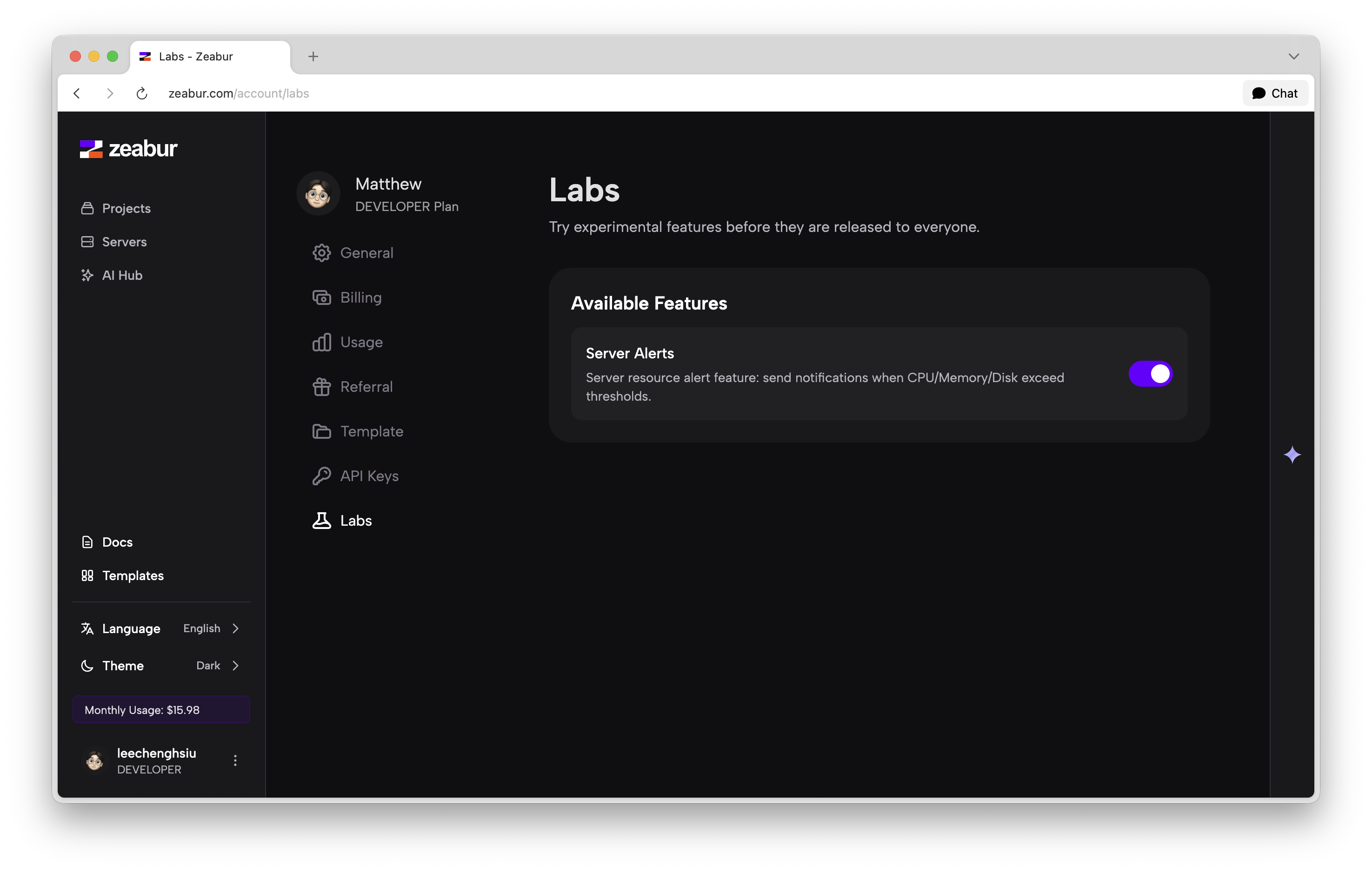
Available Features
Server Alerts
The first feature available in Labs is Server Alerts. This feature sends you notifications when your server resources (CPU, Memory, or Disk) exceed specified thresholds.
With Server Alerts enabled, you'll:
- Receive notifications when resources are running high
- Stay ahead of potential performance issues
- Take proactive action before problems impact your users
Important Notes
Features in Labs are experimental and may:
- Change significantly before final release
- Be removed if they don't meet quality standards
- Have limited support compared to stable features
We encourage you to try these features and share your feedback to help us improve them before the official release.
Happy experimenting!