


Twenty
A modern Open Source CRM platform that helps you manage contacts, deals, and tasks efficiently.
Services


Twenty CRM
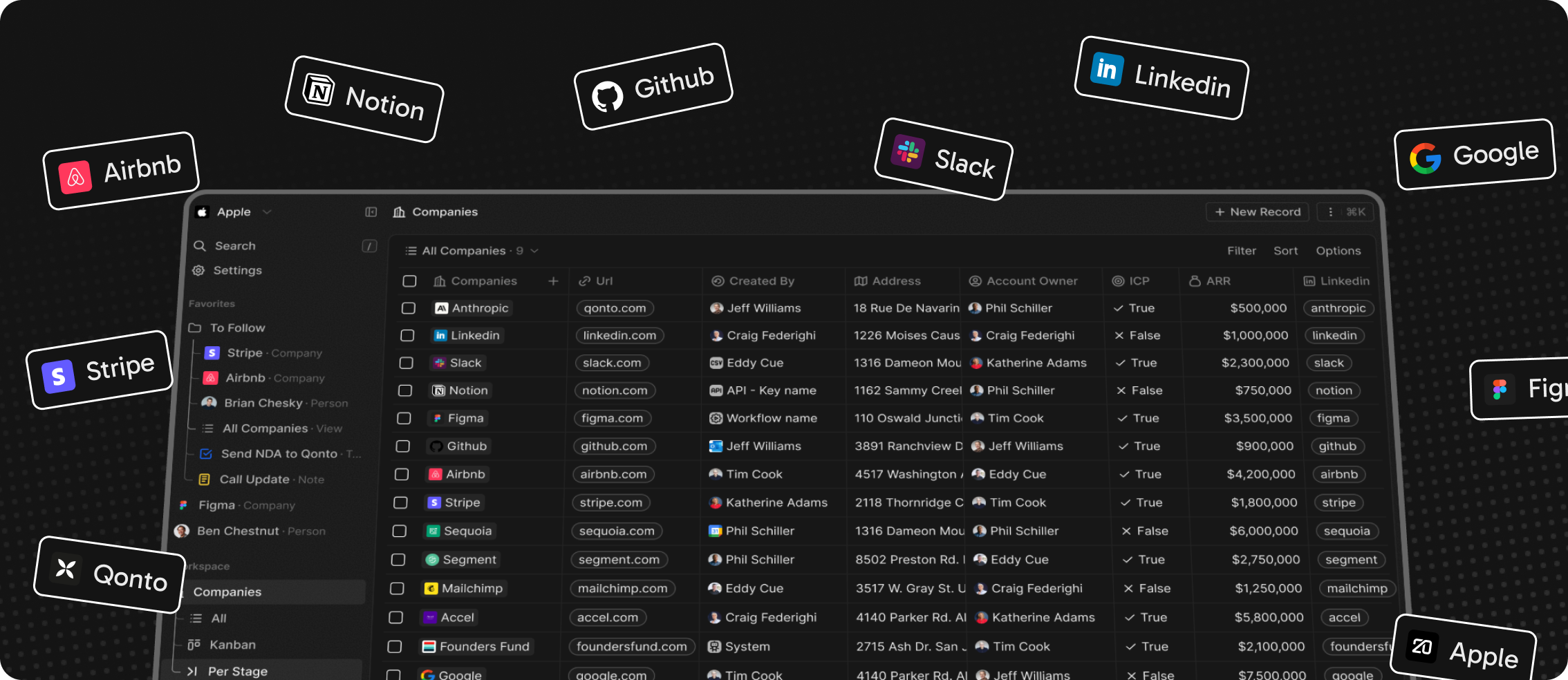
Twenty is a modern Open Source CRM platform built with React, Node.js, and PostgreSQL. It provides a complete solution for managing contacts, deals, companies, and tasks.
Features
- Contact Management: Track and organize your contacts with detailed information
- Deal Pipeline: Visual pipeline to manage sales opportunities
- Task Management: Assign and track tasks across teams
- Activity Timeline: Complete activity history for each contact and deal
- Custom Fields: Add custom fields to adapt to your business needs
- Multi-language Support: Available in multiple languages
- Open Source: Full access to source code
Deployment
This template automatically deploys:
- Twenty Web Application (React frontend)
- Twenty Server (Node.js backend)
- Background Worker for task processing
- PostgreSQL Database
- Redis for caching and session storage
- MinIO for S3-compatible object storage
Configuration Notes
Environment Variable Sharing
The Twenty Worker service requires access to the same configuration as the Twenty server to function properly. Key variables like PG_DATABASE_URL, REDIS_URL, APP_SECRET, and storage settings (STORAGE_*) must be exposed and shared between both services.
Configuration Mode
Twenty supports two configuration approaches:
-
Database-Driven (Default): When
IS_CONFIG_VARIABLES_IN_DB_ENABLED=true, most settings can be managed through the admin UI and automatically sync between server and worker. -
Environment-Only: Set
IS_CONFIG_VARIABLES_IN_DB_ENABLED=falseto manage all configuration through environment variables. This requires container restarts for changes to take effect, but provides more predictable deployments.
For self-hosted deployments where you want full control via environment variables, it's recommended to set IS_CONFIG_VARIABLES_IN_DB_ENABLED=false on both the Twenty server and Twenty Worker services.
Default Credentials
After deployment, create your admin account by visiting the application domain.
External Access
The application will be available on the domain you specified during deployment.