


Opengist
A self-hosted Pastebin powered by Git. All snippets are stored in a Git repository and can be read and modified using standard Git commands or the web interface. An open-source alternative to GitHub Gist with syntax highlighting, OAuth2 login, snippet embedding, and revision history.
Services
opengist
ghcr.io/thomiceli/opengist:1.12Opengist
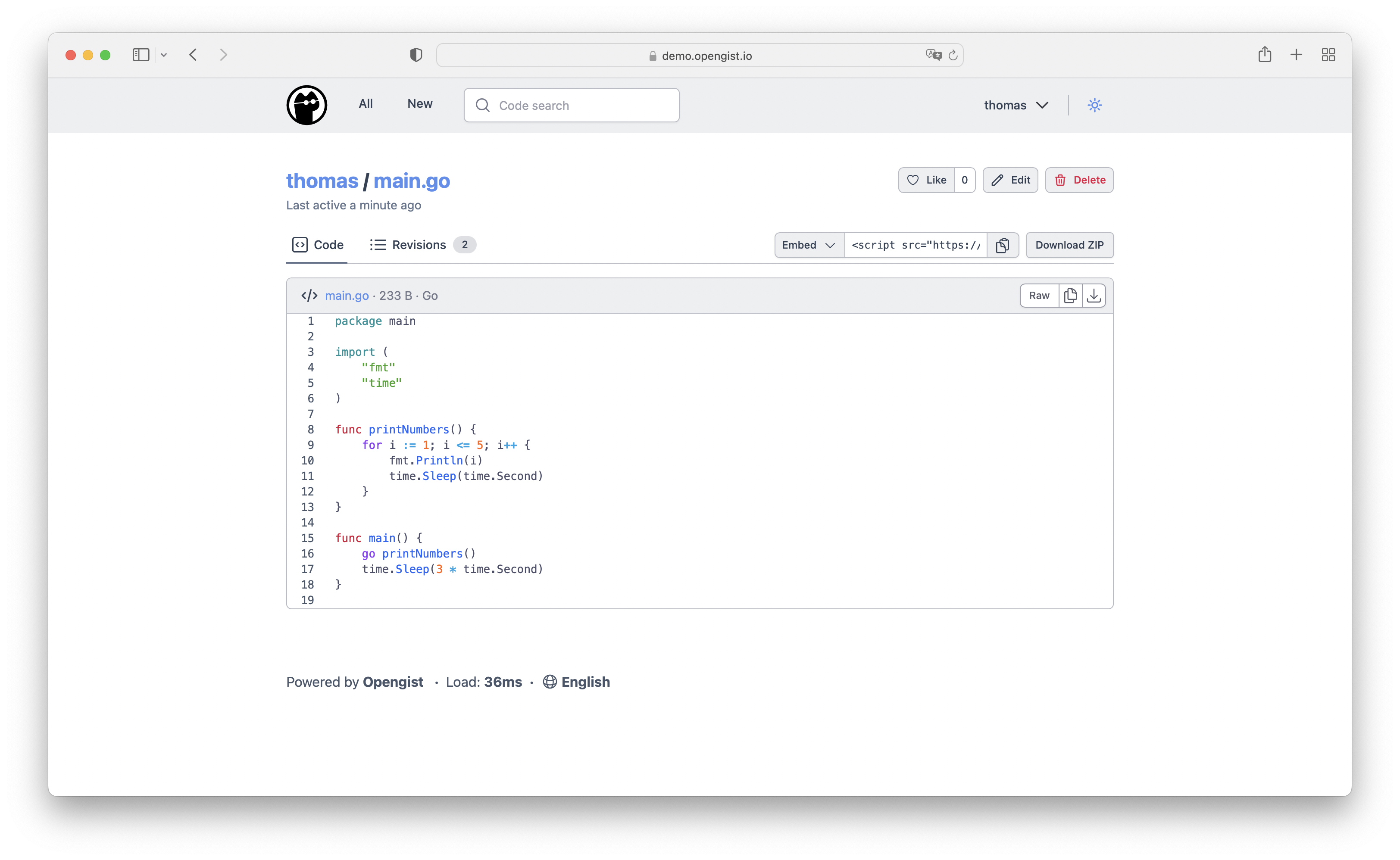
Opengist is a self-hosted Pastebin powered by Git. All snippets are stored in a Git repository and can be read and modified using standard Git commands or the web interface. It is an open-source alternative to GitHub Gist.
Features
- Create public, unlisted, or private snippets
- Clone, pull, and push snippets via Git over HTTP or SSH
- Syntax highlighting with Markdown and CSV support
- Search code in snippets; browse users, likes, and forks
- Embed snippets in other websites
- Revision history for every snippet
- Like and fork snippets
- OAuth2 login with GitHub, GitLab, Gitea, and OpenID Connect
- SQLite database (no external database required)
What You Can Do After Deployment
- Open your domain — register your admin account on first launch
- Create snippets — write code with syntax highlighting for many languages
- Clone via Git — use standard Git commands to pull snippets to your local machine
- Configure OAuth2 — set up GitHub, GitLab, Gitea, or OpenID Connect login in admin settings
- Share and embed — embed snippets on your blog or documentation site
License
AGPL-3.0 — GitHub
Services