


Komga
Komga is a free and open-source media server for comics, mangas, BDs, magazines, and eBooks. Web-based reader, OPDS support, metadata management, and multi-user access control.
Services
komga
gotson/komga:1.24.3Komga
A free and open-source media server for your comics, mangas, BDs, magazines, and eBooks. Organize your library, read in the browser, and share with others.
What You Can Do After Deployment
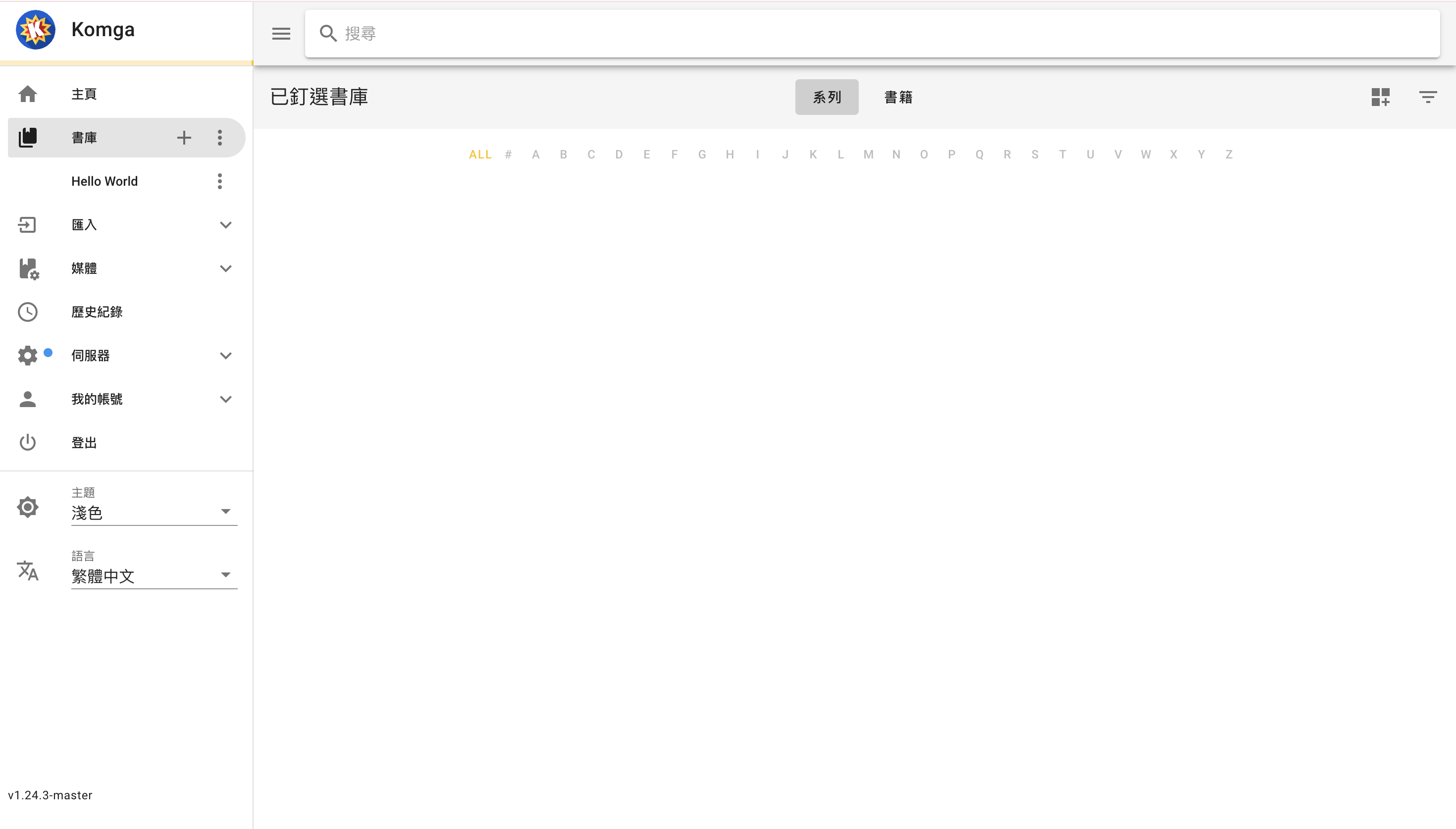
- Create an account — first user to access becomes the admin
- Upload media — go to Zeabur dashboard → select Komga service → Files → File Manager, then drag and drop your comic/ebook files into the
/datadirectory - Set up libraries — in Komga, create a library pointing to
/data(or a subdirectory) - Browse & read — web-based reader with progress tracking
- Manage metadata — edit series and book metadata, download from online sources
- Share access — create user accounts with per-library permissions
- Connect apps — use OPDS-compatible readers (Tachiyomi, Panels, Chunky)
Supported Formats
- Comics: CBZ, CBR, PDF, EPUB
- eBooks: EPUB, PDF
- Images: folders of images (JPG, PNG, WebP, GIF)
License
MIT — GitHub
Services