

Calibre-Web Automated
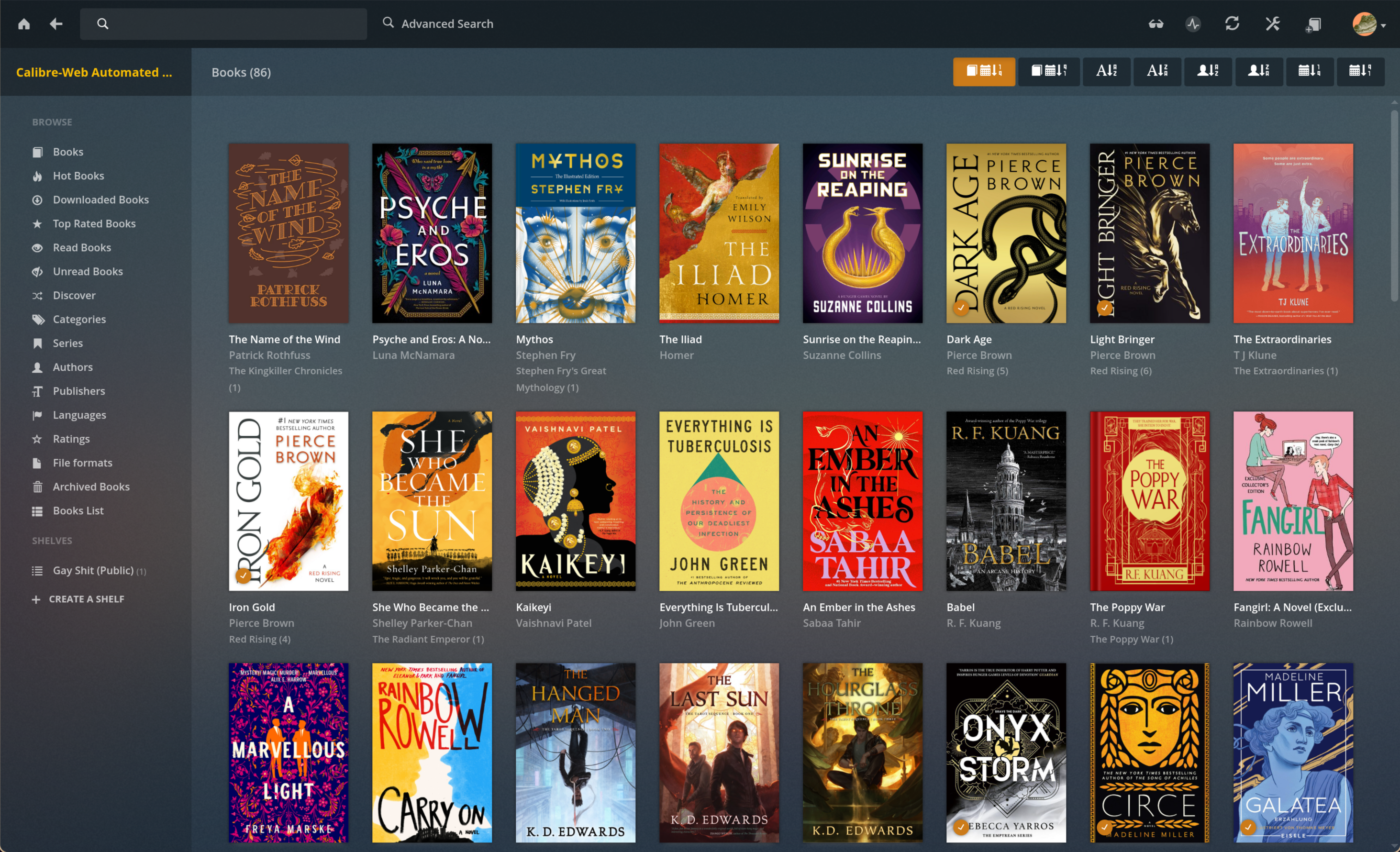
Calibre-Web Automated combines the modern web UI of Calibre-Web with Calibre's powerful features. It automatically imports, converts, and organizes eBooks with metadata fetching, duplicate detection, format conversion (28+ formats), and e-reader synchronization — all in a single container.
Services
calibre-web-automated
crocodilestick/calibre-web-automated:v4.0.6Calibre-Web Automated
An enhanced fork of Calibre-Web that adds powerful automation for managing your eBook library. Automatically import, convert, and organize books with metadata fetching, duplicate detection, and e-reader sync.
What You Can Do After Deployment
- Visit your domain — log in with the default credentials (admin / admin123) and change your password
- Upload eBooks — drop files into the ingest folder or upload through the web UI
- Automatic conversion — newly added books are automatically converted to your preferred format
- Browse your library — search, filter, and read books directly in the browser
- Send to e-reader — configure automatic sending of books to your Kindle or other e-readers
Key Features
- Automatic import and conversion of 28+ eBook formats
- Metadata fetching and cover enforcement
- Duplicate detection and resolution
- Magic Shelves for dynamic collections
- OPDS feed for e-reader apps
- Built-in statistics dashboard
- Dark mode support
- REST API
License
GPL-3.0 — GitHub
Services