

Owncast
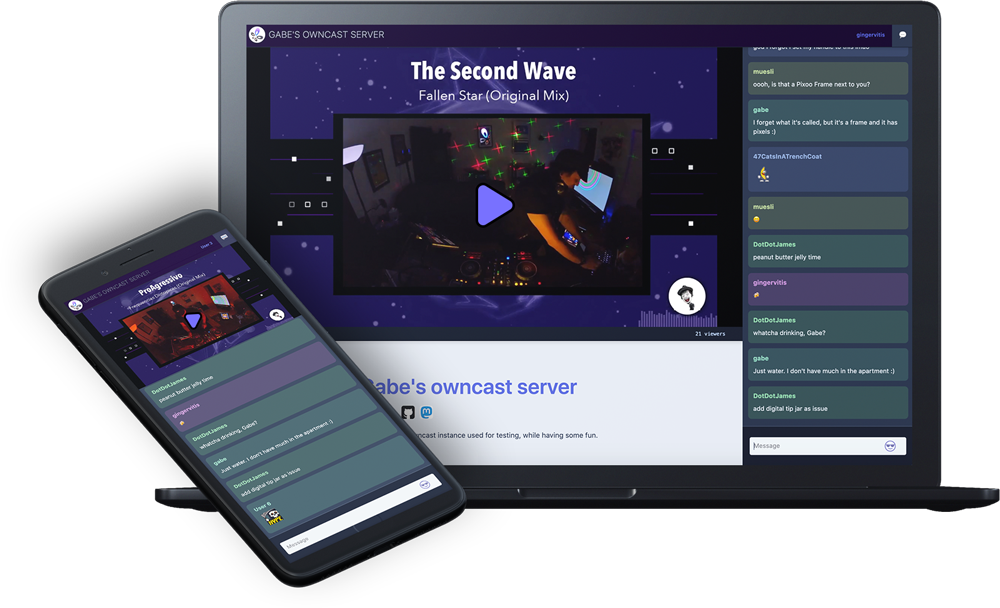
Owncast is a self-hosted live video streaming and chat server. Stream video to your audience with full control over your content, interface, moderation, and community — your own Twitch alternative powered by a single Go binary.
Services
owncast
owncast/owncast:0.2.4Owncast
A self-hosted live video streaming and chat server. Run your own live streams with complete ownership over your content and audience.
What You Can Do After Deployment
- Visit your domain — Owncast is ready with a default stream page and chat
- Configure your stream — go to
/admin(default password:abc123) to set stream title, description, and branding - Start streaming — point OBS, Streamlabs, or any RTMP software to your server on port 1935 with the stream key from admin
- Engage your audience — built-in chat with custom emotes, moderation tools, and user authentication
- Integrate with the Fediverse — connect with Mastodon and other ActivityPub platforms for wider reach
Key Features
- RTMP ingest compatible with OBS, Streamlabs, and all major broadcasting software
- Built-in real-time chat with custom emotes and moderation
- Web-based admin dashboard for stream configuration
- Fediverse integration via ActivityPub
- Webhook and API support for custom integrations
- Adaptive bitrate streaming (HLS)
- Viewer analytics and engagement metrics
- Custom page content with Markdown support
License
MIT — GitHub
Services