


Nexterm
Nexterm terminal management service
Services
Nexterm
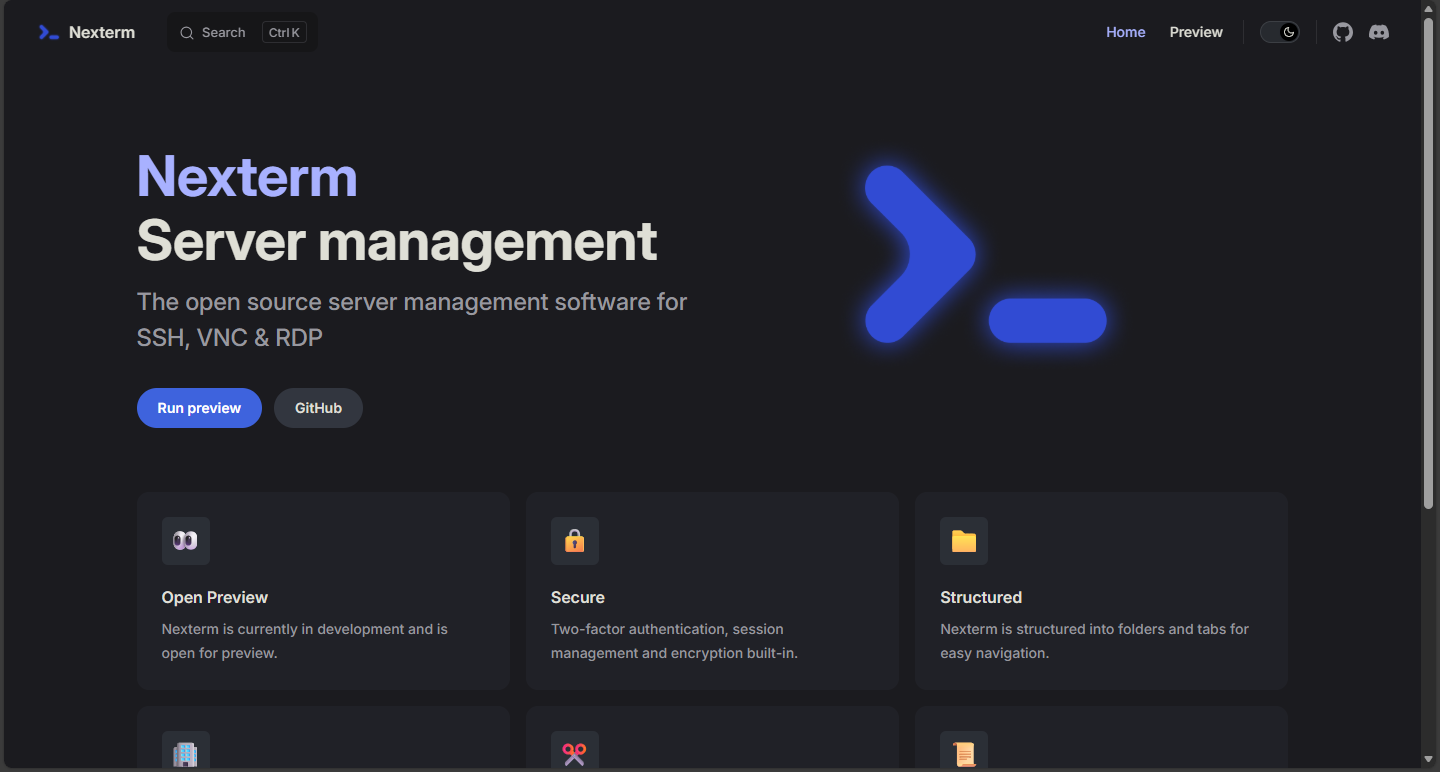
Nexterm is a lightweight terminal management tool that enables remote access and management of server terminals through a web browser.
Features
- 🌐 Browser Access: Manage terminals easily through web interface
- 👥 Multi-user Support: Multiple users can login simultaneously
- 💾 Data Persistence: Terminal configurations and data are automatically saved
- 🔒 Secure Encryption: Supports encrypted data transmission
- 🎨 Modern UI: Clean and intuitive interface
Quick Start
- Deploy Service: Click deploy and wait for the service to start
- Set Domain: Bind your custom domain to
${NEXTERM_DOMAIN} - Access Service: Visit your configured domain through browser
- Register Account: Register an admin account on first visit
First Time Setup
After deployment, you'll need to register an admin account on first visit:
- Visit your configured domain
- Create an admin account on the registration page
- Set your username and password
- Login after registration is complete
⚠️ Important: Please keep your credentials safe and use a strong password!
Important Environment Variables
${ENCRYPTION_KEY}: Data encryption key (highly recommended to change)- Highly Recommended: Change this key in production environment for security
- Generate new key: Use
openssl rand -hex 32command
Security Recommendations
- Immediately change the
${ENCRYPTION_KEY}environment variable after deployment - Use a strong password during registration (recommended: uppercase, lowercase, numbers, and special characters)
- Enable HTTPS access when possible
Data Persistence
The service stores all configurations and data in the /app/data directory, which is automatically configured for persistent storage.
FAQ
Q: What if I forget the admin password? A: You can delete the data volume and redeploy to register a new admin account.