


Kimai
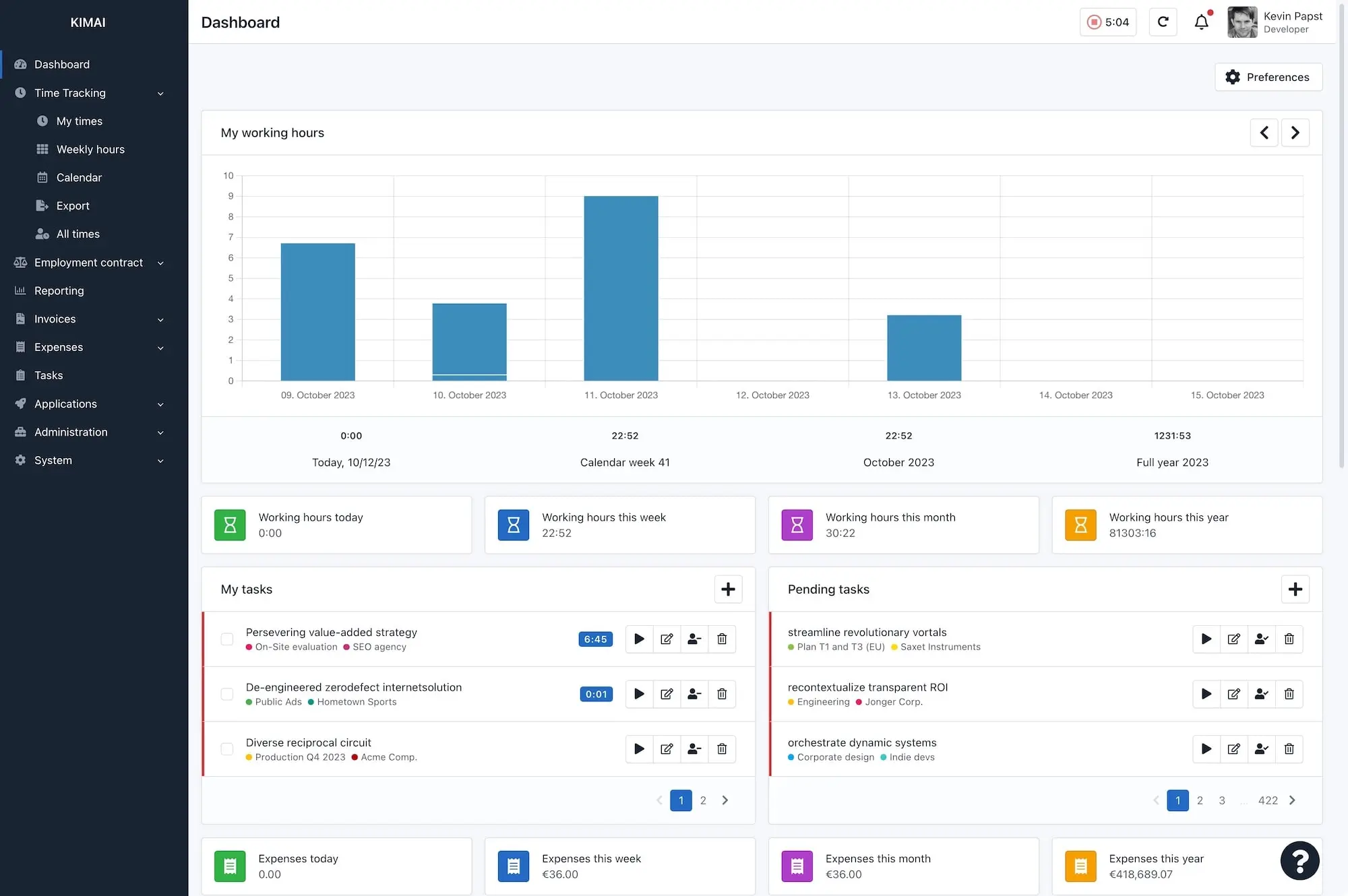
Kimai is a free, open-source time-tracking application. Log working hours for projects and activities, generate reports and invoices, manage teams and customers. Supports multiple users, tagging, export to PDF/CSV, and a REST API.
Services
Kimai
A self-hosted time-tracking application for freelancers, agencies, and companies. Track working hours per project and activity, manage customers, generate invoices and reports, and control access with role-based permissions.
What You Can Do After Deployment
- Visit your domain — log in with the admin account you create via the console
- Create customers and projects — organize your time entries by customer, project, and activity
- Track time — start/stop timers or manually log hours from the web UI
- Generate reports — view weekly, monthly, or custom reports; export to PDF, CSV, or Excel
- Manage teams — invite users, assign roles, and restrict project visibility per team
Key Features
- Time tracking with start/stop timers and manual entry
- Customer, project, and activity management
- Invoicing and export (PDF, CSV, Excel, HTML)
- Role-based access control (admin, team lead, user)
- Tagging and color-coded activities
- REST API for integrations
- Multi-language support (30+ languages)
- Plugin system for extensions
First-Time Setup
After deployment, open a terminal (Zeabur console) and run:
/opt/kimai/bin/console kimai:user:create admin admin@example.com ROLE_SUPER_ADMIN
Replace the email and set your password when prompted.