


WeTTY
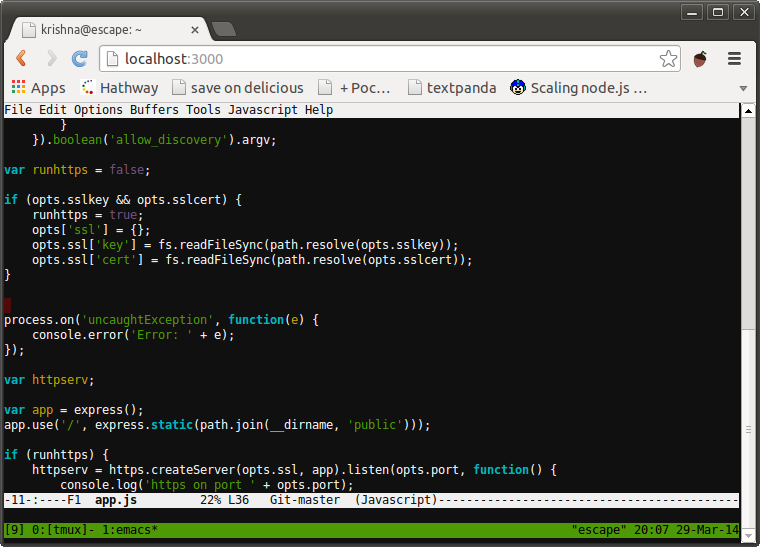
WeTTY (Web + TTY) is a terminal emulator that runs in your browser over HTTP/HTTPS. It provides SSH access through a web interface, making it easy to connect to remote servers from any device with a browser.
Services
wetty
wettyoss/wetty:2.5.0WeTTY
A terminal emulator in your browser over HTTP/HTTPS. Access SSH sessions through a clean web interface from any device.
What You Can Do After Deployment
- Visit your domain — open
https://YOUR_DOMAIN/wettyto access the terminal - Connect to SSH hosts — configure
SSHHOSTandSSHPORTenvironment variables to connect to a remote SSH server - Set default user — use
SSHUSERto pre-fill the login username - Enable SSH key auth — mount an SSH key and set
SSHAUTHtopublickey - Customize the base path — change
BASEto serve WeTTY under a different URL path - Use behind a reverse proxy — WeTTY works seamlessly behind nginx, Apache, or Caddy
Key Features
- Browser-based terminal emulator
- SSH client over HTTP/HTTPS
- xterm.js for full terminal compatibility
- Custom base path support
- SSH key authentication support
- Works behind reverse proxies
- Lightweight and fast
License
MIT — GitHub
Services