


TeslaMate
A powerful, self-hosted data logger for your Tesla — track drives, charges, efficiency, and more with rich Grafana dashboards.
Deployed9 times
Publisher Zeabur
Zeabur Zeabur
Created2026-05-05
SourceView Source
Tags
VehicleTeslaMonitoringDashboardDatabase
Services

database
postgres:18-trixie
mosquitto
eclipse-mosquitto:2teslamate
teslamate/teslamate:latest
caddy
caddy:2
grafana
teslamate/grafana:latestTeslaMate
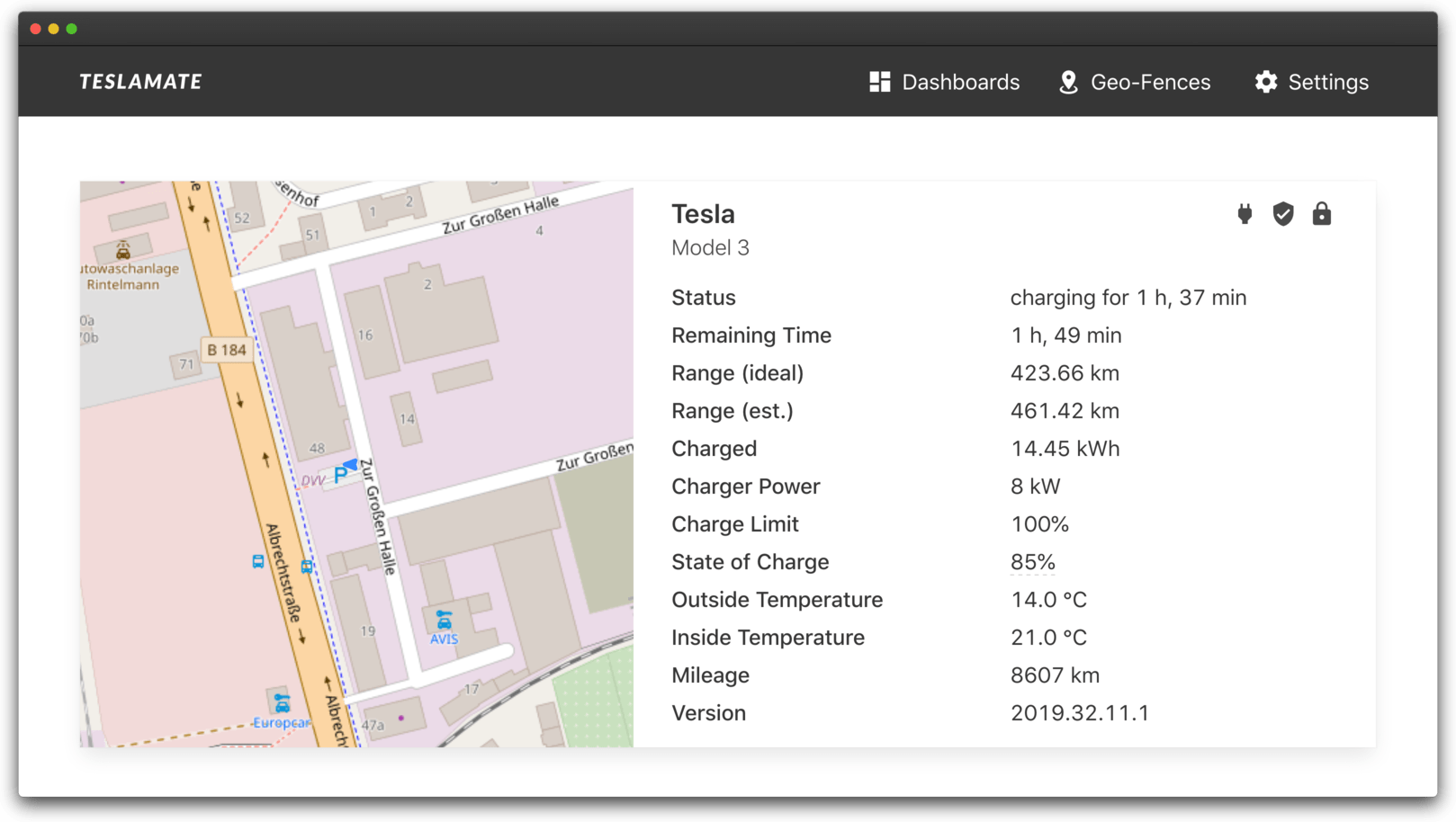
TeslaMate is a powerful, self-hosted data logger for your Tesla. It records detailed information about your drives, charges, efficiency, sleep states, software updates, and more — and visualizes everything through beautifully prepared Grafana dashboards.
Features
- Drive & Charge Logs — Distance, duration, consumption, costs
- Efficiency Analysis — Energy usage by temperature, route, and driving style
- Charge Statistics — Where, when, how much, and what it cost
- Software Update Tracking — Full history of firmware versions
- Geofencing — Auto-tag drives by named locations (Home, Work, etc.)
- MQTT Streaming — Real-time vehicle state for home automation
- Pre-built Grafana Dashboards — 15+ ready-to-use visualizations
What's deployed
This template provisions the full TeslaMate stack with security hardening:
- Caddy — reverse proxy in front of TeslaMate, enforces HTTP Basic Auth (the only public entry point on
PUBLIC_DOMAIN) - TeslaMate — the main web app, internal-only, reachable only via Caddy
- PostgreSQL 18 — internal-only, stores all vehicle data
- Grafana — pre-loaded with TeslaMate's official dashboards, exposed on
GRAFANA_DOMAINwith its own login - Mosquitto MQTT — internal-only broker for real-time state updates
Quick Start
- Deploy — Click deploy, fill in the variables (including the Web UI username / password), and bind both domains
- Sign in to TeslaMate at your
PUBLIC_DOMAIN— the browser will prompt for the Basic Auth credentials you set, then TeslaMate's own setup flow asks for your Tesla API tokens - Open Grafana at your
GRAFANA_DOMAIN(defaultadmin/admin— change immediately) - Drive your car — TeslaMate will start recording automatically
Security
- TeslaMate has no built-in login, so this template puts a Caddy reverse proxy with HTTP Basic Auth in front of it. The TeslaMate container itself is not exposed to the public internet — only Caddy is.
- Postgres and Mosquitto are internal-only by default. Do not enable Port Forwarding on them in the Zeabur dashboard unless you fully understand the consequences — Mosquitto runs without authentication, so exposing 1883 publicly leaks real-time GPS coordinates of your car.
- Save your
ENCRYPTION_KEYoutside Zeabur. Restoring a database backup requires the exact same key. - Grafana uses its own admin login (
admin/adminon first launch). Change it immediately the first time you sign in. - The Basic Auth credentials are bcrypt-hashed at container start using
caddy hash-password— the plaintext password is only stored in Zeabur's env vars, never in the container's filesystem.
Links
Deployed9 times
PublisherZeabur
ZeaburCreated2026-05-05
SourceView Source
Tags
VehicleTeslaMonitoringDashboardDatabase
Services
database
postgres:18-trixiemosquitto
eclipse-mosquitto:2teslamate
teslamate/teslamate:latestcaddy
caddy:2