


Sonarr
Sonarr is a TV series collection manager and automatic downloader. It monitors RSS feeds for new episodes, downloads them via Usenet and BitTorrent clients, and organizes your media library with proper renaming and metadata.
Services
Sonarr
A TV series collection manager that automatically monitors RSS feeds for new episodes and downloads them via Usenet or BitTorrent. It renames and organizes files, fetches metadata, and keeps your media library structured.
What You Can Do After Deployment
- Visit your domain — Sonarr needs 1–2 minutes for initial database setup; if you see a 404 page, wait and refresh. No login required by default; configure authentication under Settings > General
- Set the Root Folder — go to Settings > Media Management > Add Root Folder and enter
/tv - Add download clients — connect your Usenet (SABnzbd, NZBGet) or BitTorrent (qBittorrent, Transmission, Deluge) client under Settings > Download Clients
- Add indexers — configure Usenet indexers or torrent trackers under Settings > Indexers
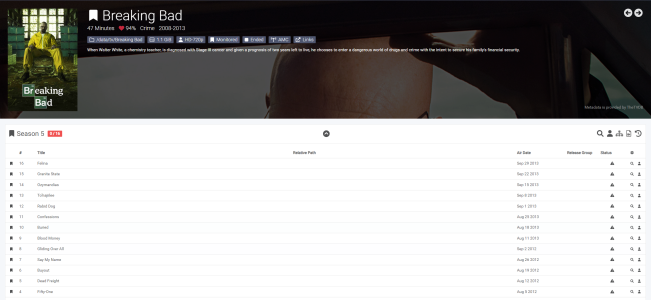
- Add TV series — search and add shows; Sonarr monitors for new episodes and downloads them automatically
- Set quality profiles — define preferred resolution and file size under Settings > Profiles
Key Features
- Automatic episode monitoring and downloading via Usenet and BitTorrent
- Calendar view of upcoming and recently aired episodes
- Automatic file renaming and organization
- Quality profile management (SD, HD, 4K)
- Failed download handling and retry
- Manual search for missing episodes
- Metadata and artwork fetching from TheTVDB/TMDb
- Notification support (email, Slack, Discord, Telegram, etc.)
- REST API for third-party integrations
Persistent Storage
The /config volume stores settings and logs. The /tv volume stores your media files. Back up both directories to preserve your library data and configuration.