Private Networking
Private Networking allows services to use a fixed hostname to connect to another service in the same project.
Private networking is for service-to-service communication within the same project — not for accessing services from your local machine. If you are using Wonder Mesh and want to access services from your local network, see Accessing Services from Your LAN.
Find the Hostname
Open the “Networking” section of the service to find the hostname under “Private.”
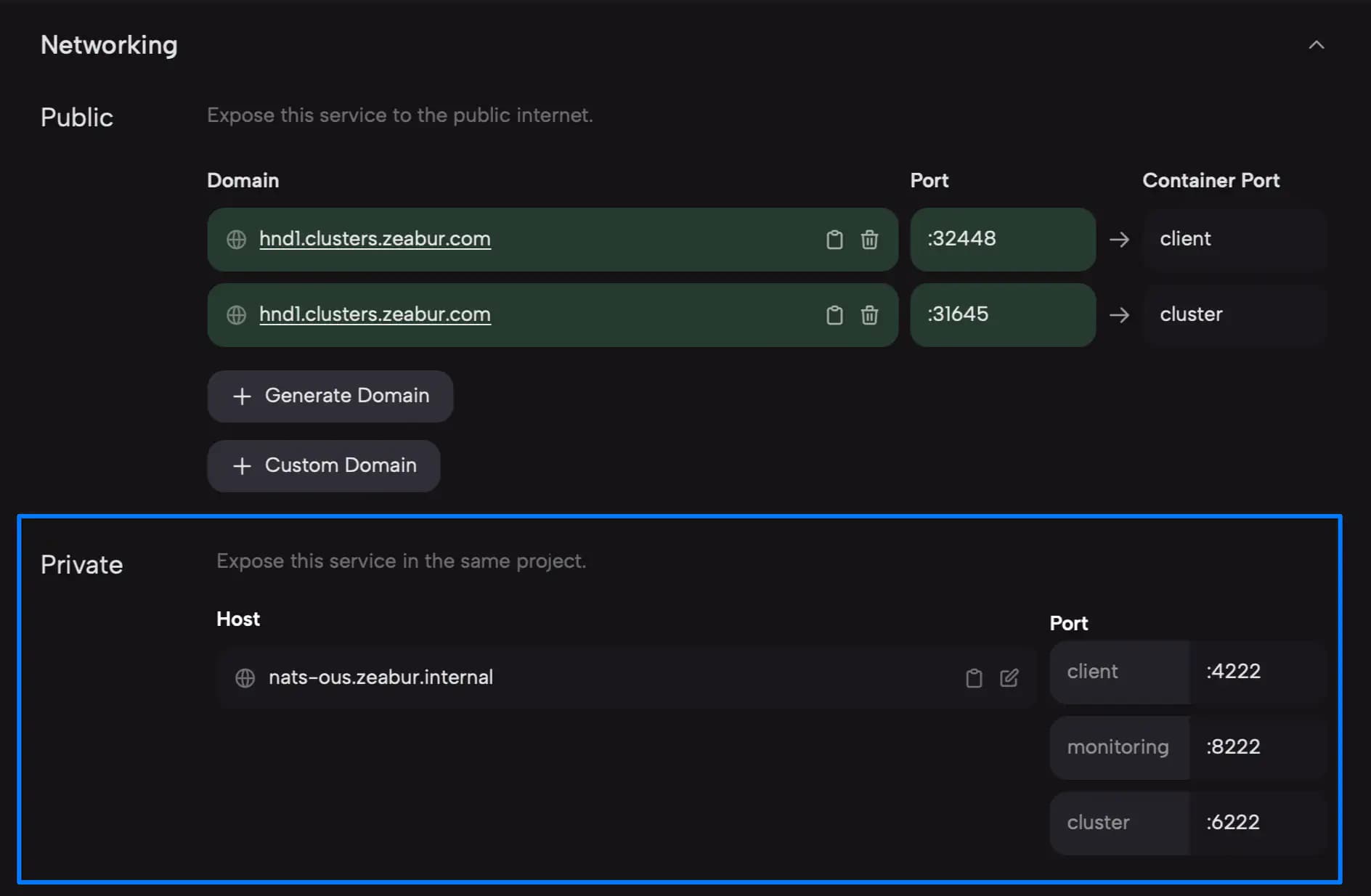
Connect to the Service
Use the hostname above to connect to this service (in this example, PostgreSQL). Additionally, according to the documentation of PostgreSQL, the port is injected into the POSTGRES_PORT environment variable. So, you can fill in your connection information as follows:
- Hostname: The hostname you found in the previous step, in this example, it is
postgresql.zeabur.internal. - Port: Retrieve the value from the
POSTGRES_PORTenvironment variable, which is defaulted to 5432.
Important Notes
- Changing the service name does not change the hostname.