Using Zeabur AI Hub in SillyTavern
SillyTavern is a powerful AI roleplay chat interface that supports multiple AI models. This tutorial explains how to use Zeabur AI Hub in SillyTavern.
Prerequisites
Before you begin, make sure you have:
- Installed or deployed SillyTavern (you can use the Zeabur template for quick deployment)
- Added credits to Zeabur AI Hub
- Created an API key
Setup Steps
Step 1: Configure API Connection
- Open the SillyTavern interface
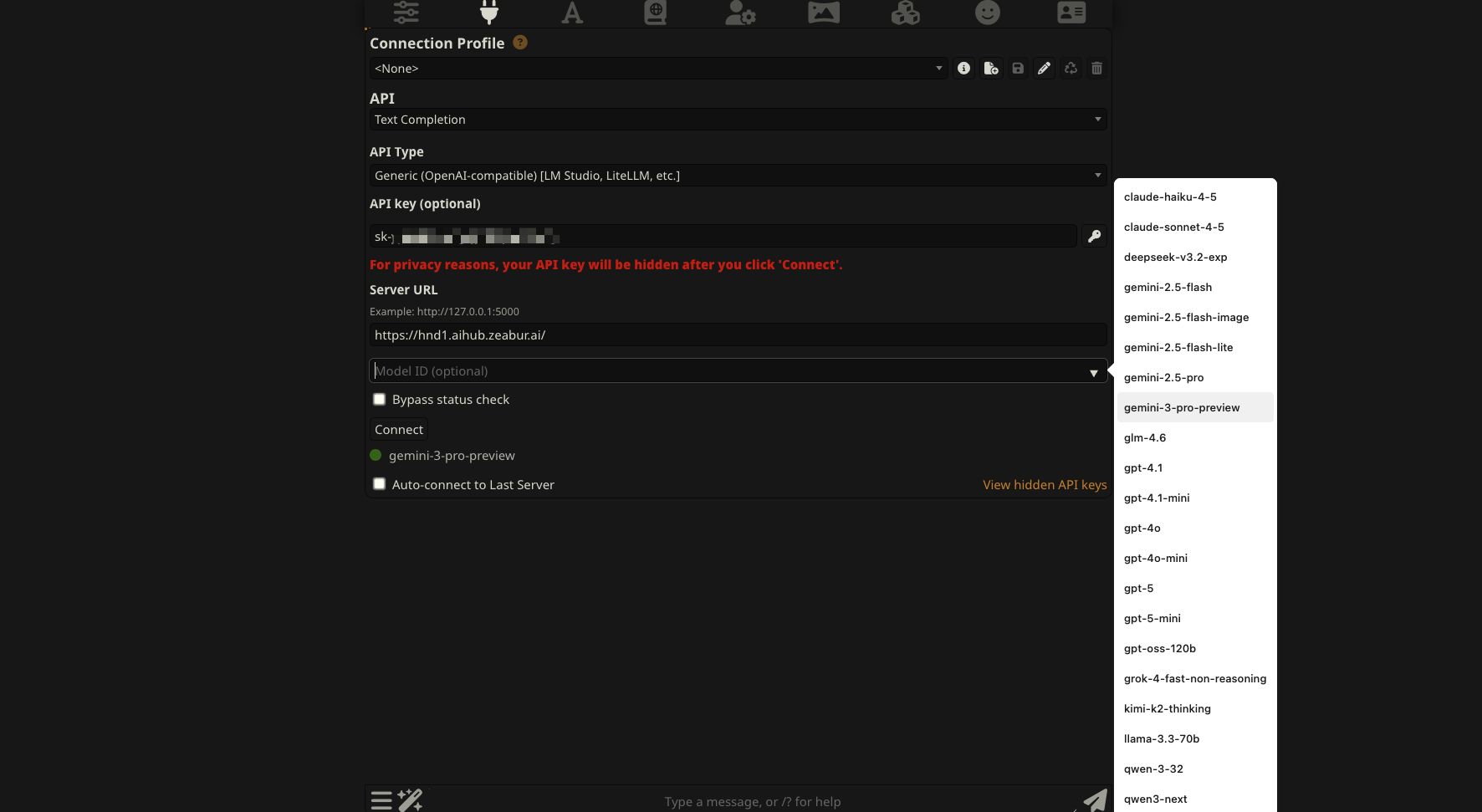
- Click the API Connections icon in the top navigation bar (looks like a plug)
- In the API dropdown, select Chat Completion (OpenAI)
- In Chat Completion Source, select Custom (OpenAI-compatible)
- In Custom Endpoint (Base URL), enter the Zeabur AI Hub endpoint:
https://hnd1.aihub.zeabur.ai/v1Based on your geographic location, you can also choose other regional endpoints for better latency:
- HND1 - Tokyo, Japan:
https://hnd1.aihub.zeabur.ai/v1 - SFO1 - San Francisco, USA:
https://sfo1.aihub.zeabur.ai/v1
- In Custom API key, paste the API key you created in Zeabur AI Hub
- Click the Connect button
- If configured correctly, you’ll see the connection indicator turn green and display “Valid”
- In the Model dropdown, select the AI model you want to use
Popular models include:
gpt-4: Most powerful, suitable for complex conversationsgpt-4-turbo: Balance of performance and costgpt-3.5-turbo: Fast and economicalclaude-3-5-sonnet: High-quality model from Anthropicdeepseek-chat: DeepSeek V3 (V3.1/V3.2) models, excellent performance/price ratiokimi-k2: Kimi k2 model, excellent performanceglm-4.6: GLM 4.6 model, excellent performance
We strongly recommend using DeepSeek models (V3.1/V3.2) for the best experience. We also recommend Kimi k2 & GLM 4.6 if you have sufficient budget.
💡
Different models have different pricing. We recommend visiting Zeabur Models to check pricing information for each model.
If connection fails, check:
- API key is correct (no extra spaces)
- API URL is correct
- Your AI Hub account has sufficient credits
Step 2: Test Chat
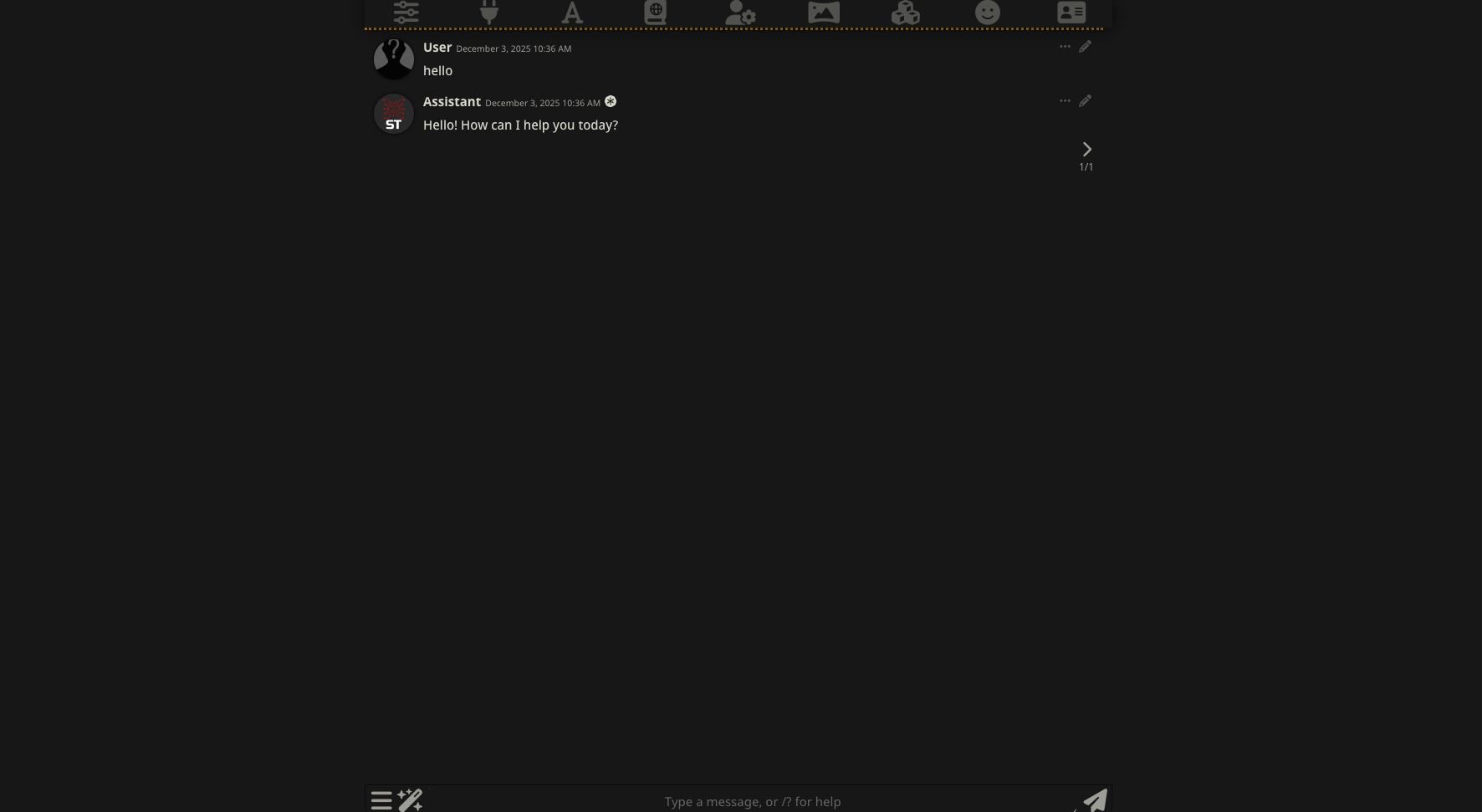
Select or create a Character and enter a message in the chat box to test. If configured correctly, you should see a successful AI response.