Refund Policy
Unsubscribing from a Subscription Plan
For Developer Plan (Dev Plan), Pro Plan, and Team Plan:
- After cancelling your subscription, you can continue using the current plan’s features until the end of the current billing cycle. After the cycle ends, your account will automatically downgrade to the Free Plan.
How to Unsubscribe
Go to the Dashboard billing page
Open the Dashboard billing page.
Find the “Unsubscribe” button
Scroll down to the subscription section.
Confirm the cancellation
Review the confirmation prompt and complete the cancellation.
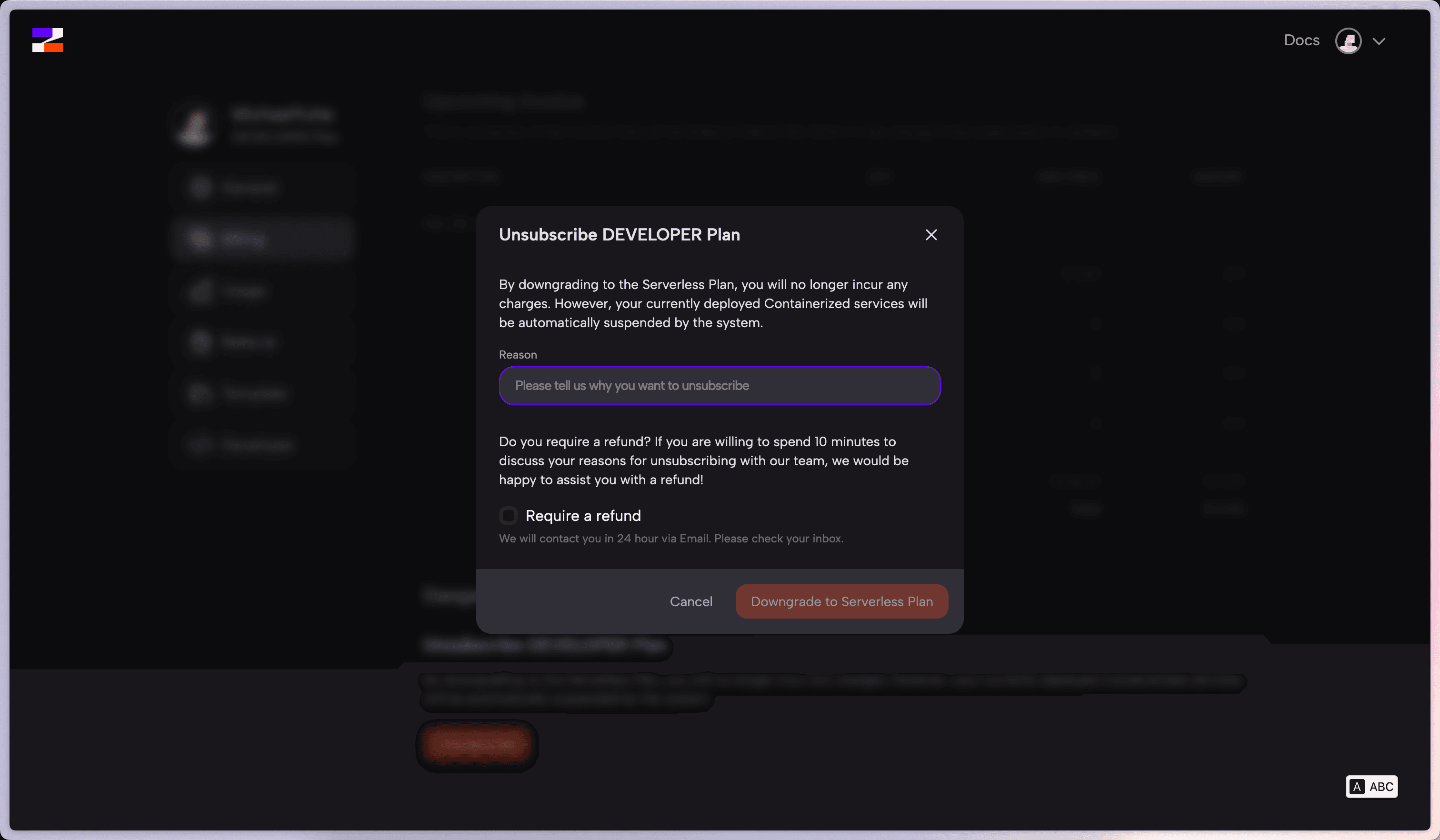
⚠️
After downgrading to the Free Plan, your currently deployed containerized services will be automatically suspended by the system. Make sure to back up important data before cancelling.
Server Refunds
- Only unexpired managed servers from refundable providers are eligible. Remove all projects from the server before requesting a refund.
- Self-service refunds are issued as Zeabur Credits, not to the original payment method.
- The refund amount is prorated based on the server’s unused remaining time.
Aliyun, Tencent, and Volcengine
These providers are monthly prepaid services that Zeabur purchases immediately after checkout.
- Each account has one shared unconditional refund across all three providers.
- After that refund is used, later refunds are generally unavailable. Zeabur Support only considers exceptional cases, such as a server or provider technical failure.
- Switching servers or plans, no longer needing the server, deleting projects, or powering it off are not eligible reasons for a refund.
Refund Notes
- To avoid charges in the next billing cycle, disable auto-renewal in advance.
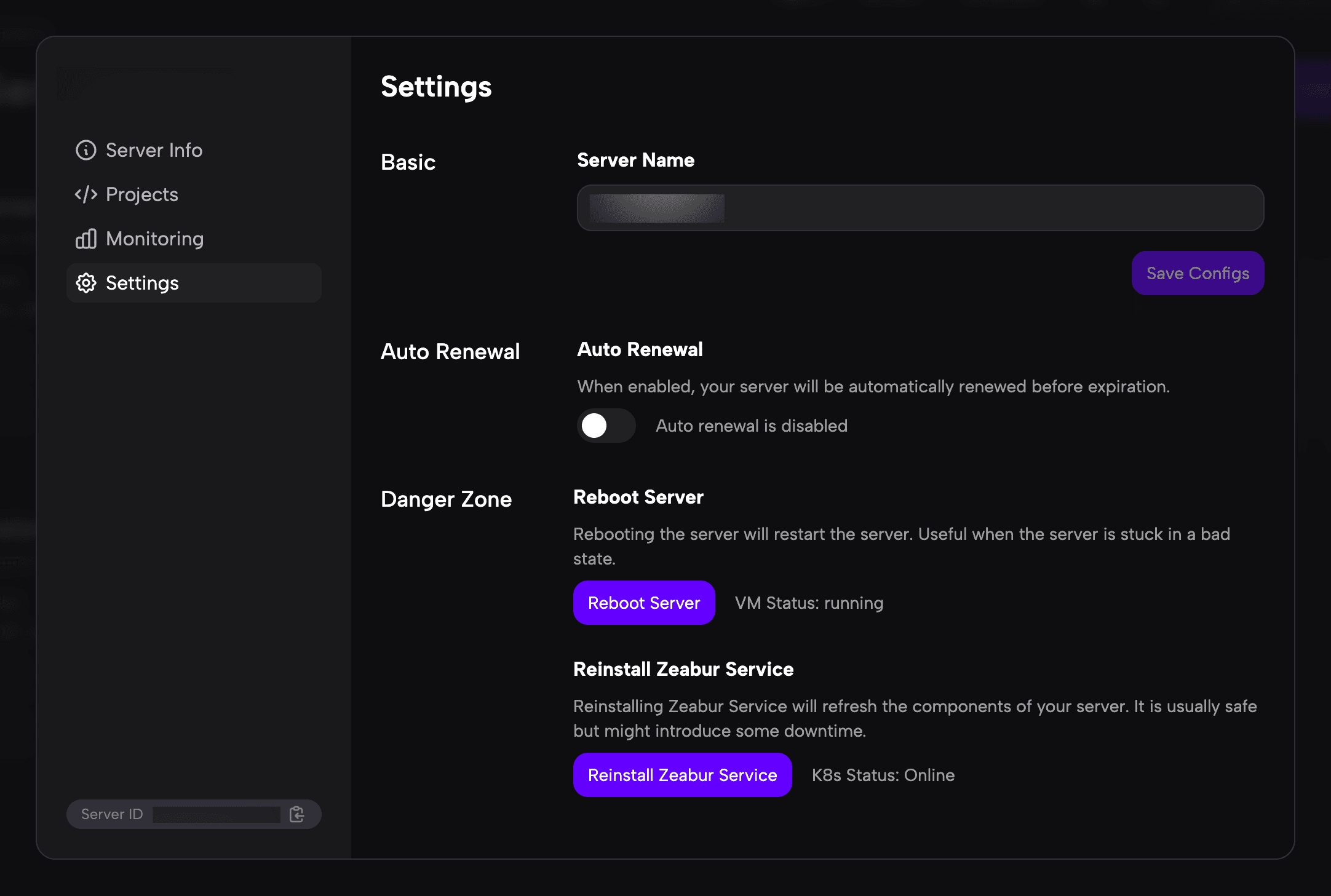
⚠️
Before requesting a refund, make sure all data on the server has been backed up or confirmed as no longer needed — data cannot be recovered after the server is destroyed.
Prepaid Credits Refund
Prepaid credits are currently non-refundable. Please add credits according to your actual needs.