Get Help
Sometimes you may encounter problems when using Zeabur. You can contact Zeabur Support for help from the Zeabur team.
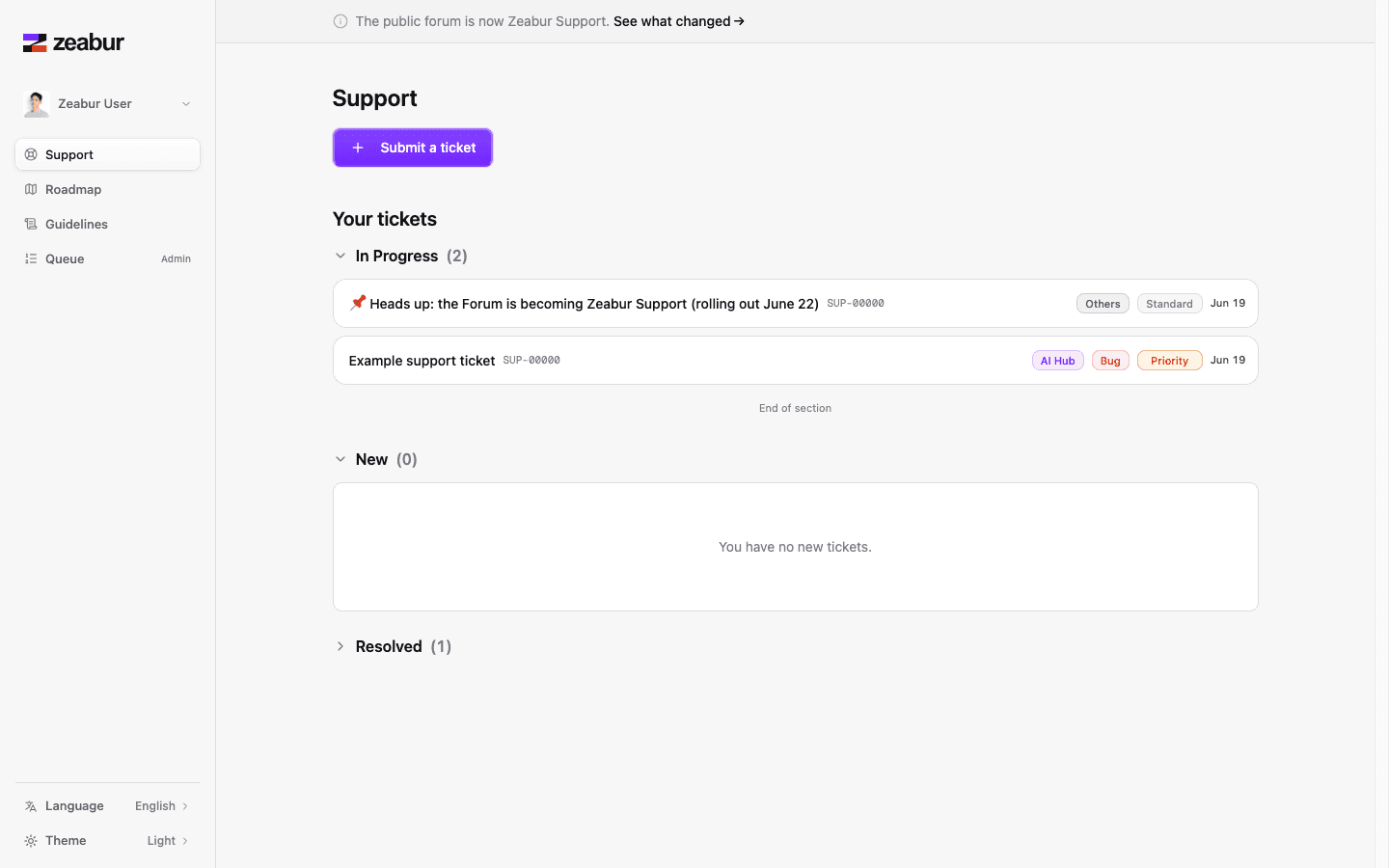
How to Get Help
Open Zeabur Support and submit your request with enough context for our team to investigate.
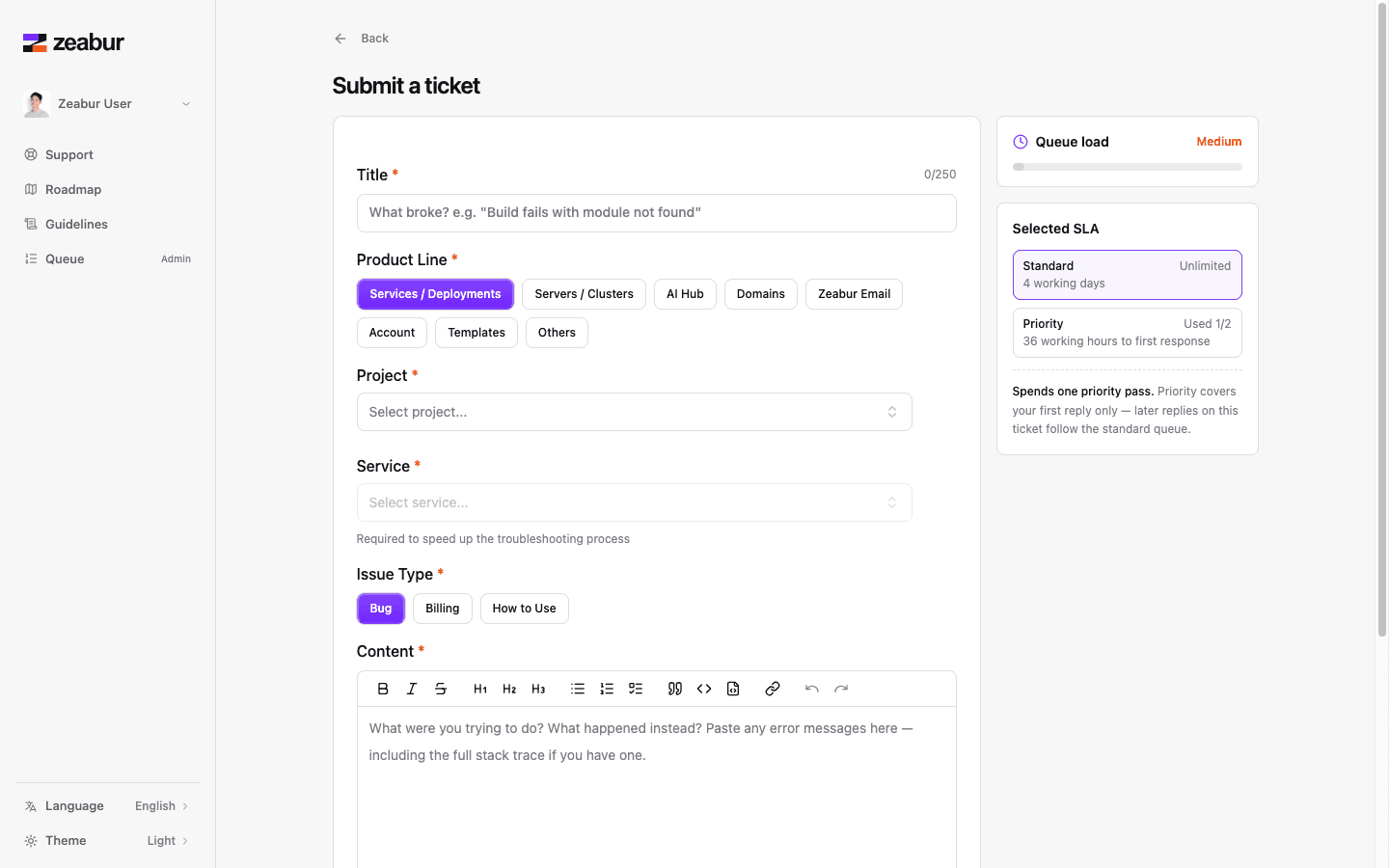
Request Format
Following this format helps us identify and solve your problem faster.
- Describe your problem briefly in the request title.
- Describe the problem details, expected behavior, and what you already tried.
- Provide your
projectID,serviceID, ordeploymentIDwhen the issue is related to a specific project or service. You can find them in the URL of your Zeabur dashboard.
Priority Support
Priority support is handled with Express passes. Paid plans include a monthly number of passes that let support requests from your account enter the priority queue:
| Plan | Express passes / month |
|---|---|
| Developer | 2 |
| Pro | 5 |
| Team | 10 |
An Express pass affects first-response priority: it helps your request enter the priority queue for the first reply from our team, but it is not a guarantee of resolution time. We still try to help every user resolve issues as soon as possible. The more context you include, such as expected behavior, what you already tried, relevant IDs, logs, and screenshots, the less back-and-forth we need and the faster we can help. If your account has no Express passes remaining, you can still submit support requests, but they are handled without priority queue placement. Verifying your account does not grant priority support by itself; it helps us identify the account tied to your request faster. Follow this documentation to proceed.
Other Ways to Contact Us
You can also reach out to us via email for support or inquiries:
- Email: contact@zeabur.com
For faster response times, we recommend using Zeabur Support. However, if you prefer email communication, feel free to send us a message and we’ll get back to you as soon as possible.